Using Technology to Homeschool a Dyslexic Child
Thanks to my guest, Jennifer, for sharing how her family uses techie homeschool resources to educate a dyslexic child. Jennifer homeschools with an eclectic approach to serve each child’s passions, strengths, and needs; while having a big heart for Charlotte Mason style education. You can learn more about Jennifer’s experiences at her website, Sound Foundations Homeschool.

Hey, just so you know ... This post includes affiliate links. That means if you use them to make a purchase, I may earn a commission. You can read my full affiliate disclosure HERE.
According to Austin Learning Solutions, 20% of all United States school-aged children are dyslexic. So, dyslexia is much more common than most people think. Often misunderstood or mischaracterized, dyslexia is much more than reversing letters and has nothing to do with intelligence. In fact, many notable dyslexics, Einstein included, have very high IQ’s.
Still, dealing with dyslexia in your homeschool can be overwhelming. Over the years, I've found numerous accommodations for homeschooling a dyslexic child, including many techie solutions. Let’s look at some of the best accommodations our family has used.
Text-to-Speech Options
Dyslexia is a language-based learning difference. Children with dyslexia struggle to sound out words and track across the page. We spent hours and hours on phonics but it didn’t feel like we were making it anywhere. A child who loved books was quickly becoming one who hated reading. In addition, I was becoming weary of reading everything aloud. This is when we discovered audiobooks. Audiobooks are not anything new. However, technology is bringing audiobooks to a new level.
… RELATED POST …
The Five Best Reasons to Listen to Audiobooks with Your Kids
Text-to-speech technology can be used to narrate any document or book. This has been liberating dyslexia tool. It gave my child the freedom to “read” independently.
But, automated reading was just the beginning. Newer text-to-speech technology also highlights the words as it reads. We began downloading Whispersync e-books on Amazon. Whispersync books can be read as an ebook, audiobook, or can do both at once with highlights. This was when the lightbulb finally went on for my daughter. Hearing and seeing the word at the same time, increased her sight vocabulary. The biggest benefit, though, was learning how to track. By following the highlights across page after page, she was practicing tracking without realizing it.
Spelling Support
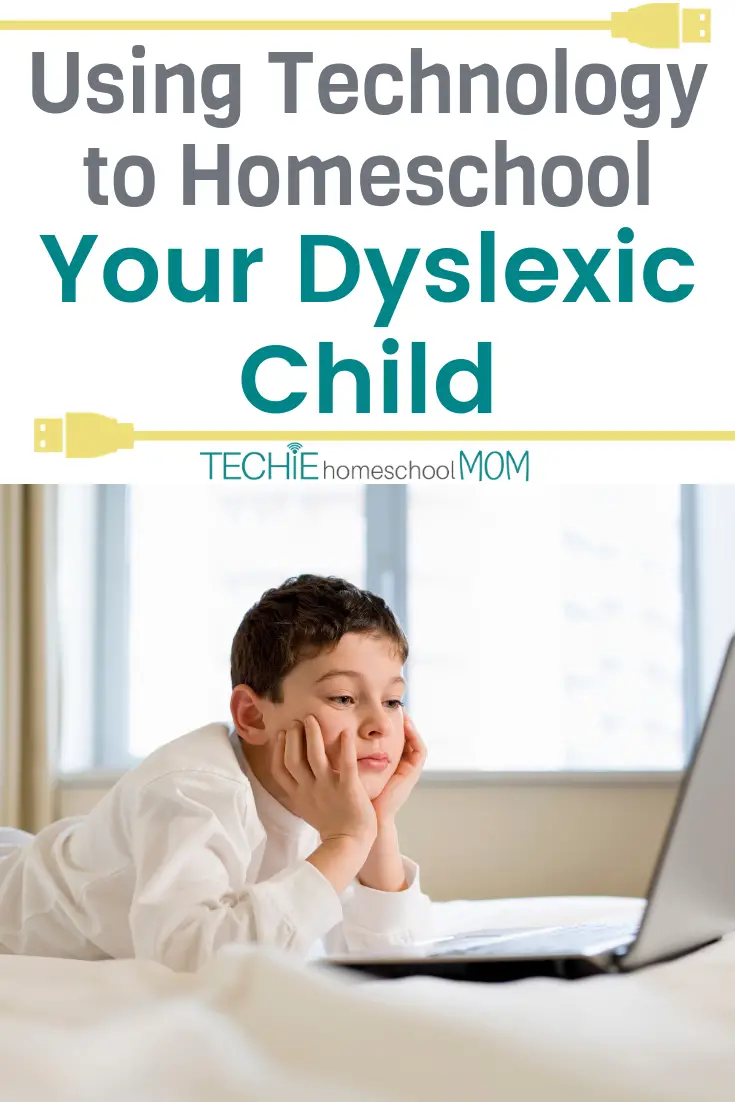
Spelling is a huge source of frustration for a dyslexic child. It is not only more difficult for dyslexics, but it creates this sense of dependence. Younger children are happy to ask, “How do you spell….?” But, older students want to just be able to write. They don’t want to ask mom or dad for help. Yet, they know they need help with spelling and want to spell words correctly.
I know that this became a struggle with self-confidence in our family. Spell check and word prediction technology have really helped. However, sometimes, spell check can’t figure out dyslexic spelling attempts.

Apps like American Wordspeller is changing that. When we began using spell check and word prediction technology, it really helped. However, it was still frustrating to have so many words underlined in red with no recommendations available from spell check. American Wordspeller corrects spelling by how it sounds to you. This is huge! The app can decipher phonetic spellings that aren’t common mistakes. Spell check is limited to correcting one or two common mistakes in a word. That doesn’t help when 65% of the word is spelled creatively. So, American Wordspeller is a techie dyslexia tool you should consider.
Typing Technology
Dyslexia has a best friend, dysgraphia. It is the writing side of dyslexia. This makes it extremely difficult to get thoughts into writing. It isn’t just because of the letter reversal and creative spelling challenges. Dysgraphia makes it physically difficult to write. The ideas inside the student’s brain, just can’t translate into the written words. When students do write, it is exhausting. Technology to the rescue, again!
Touch typing is an important skill for dyslexic students. Practicing handwriting is still vital to language development. However, typing makes getting ideas onto paper so much easier. This is also a good skill for notetaking in the upper grades and college. They can learn how to type much faster than they could ever write. Typing also helps increase writing fluidity.

Learning to type can be boring, let’s be honest! However, I have found there are many apps and website out there that make it fun and engaging. Nessy has many programs for dyslexia, including a typing program called Nessy Fingers.
All Nessy programs are game-based, engaging, and fun. This encourages the kids to keep trying, yet isn’t frustrating. The games understand dyslexia challenges. So, kids get hooked on winning the games, without feeling defeated because they can’t keep up. An online space just for dyslexic kids is awesome.
Technology for Coping with Dyslexia in the “Real World”
Dyslexia is a lifelong condition. It doesn’t just affect learning to read or writing papers. At some point, a dyslexic child will leave the classroom. Thus, accommodations for dyslexia are essential to learning. They also give children and adults with dyslexia freedom. So what happens, when a dyslexic person goes to a restaurant, a play, or wants to apply for a job?
Fitting in has been a large frustration in our household. It didn’t take long to realize something was different because social situation were full of anxiety. At some point, having mom or dad read the menu to you becomes embarrassing. However, menus are not designed for people who have trouble tracking. There are different sized fonts, multiple columns, and lines of text are very close together.
Thankfully, technology for dyslexia has not only gotten better, but it has also gotten more portable. New technology like the C-pen can scan a line of text and then read it aloud. This is perfect for menus, playbills, and forms.
Smartphones have upped the ante, though. Our children don’t have smartphones, but I can see how this will be a lifesaver in adulthood. Apps like KNFB Reader allows users to take a photo of any document and then have it read aloud. Imagine being able to just snap a photo with your phone and listen to the text with headphones. Very discreet and liberating for a dyslexic child.
Accommodations for dyslexia are essential! They don't prevent learning or make a dyslexic learner lazy. These are tools to open a world of possibilities. Reading with your ears is not different than reading Braille with your fingers. As technology for dyslexia advances, I hope the stigma will decrease.
We are a family of book lovers. Real, hardbound, crisp page books. However, technology has been the key to keeping the love of reading going in our house. Amazingly, using technology accommodations led to more physical book reading, not less!
Tell me, do you use technology for dyslexia support? What tips can you share? Comment below.


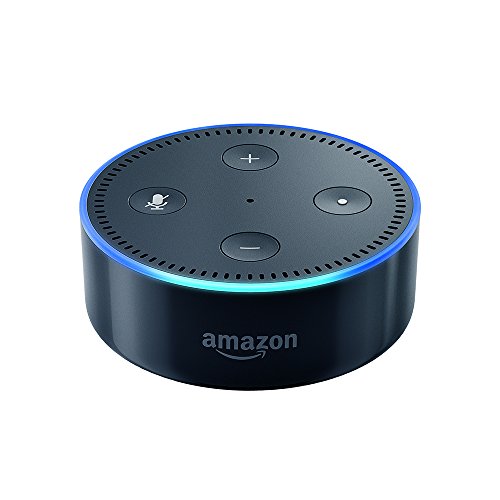
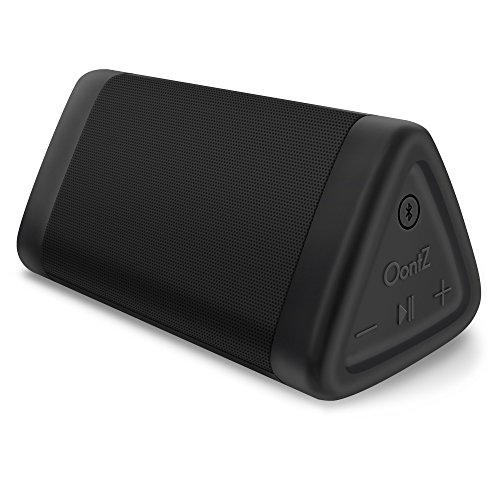
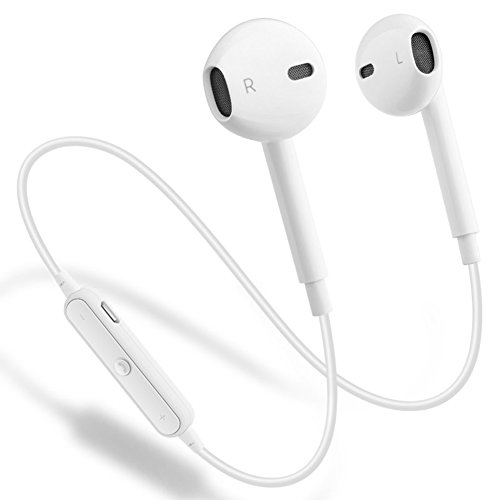
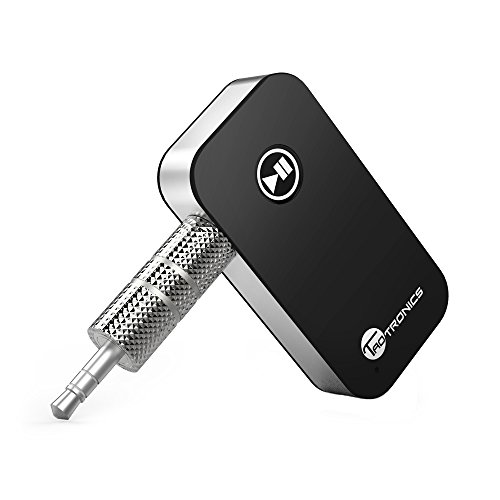
Recommended Devices for Listening to Audiobooks
Connect to Podcast Apps with Echo Dot Cast to Bluetooth Speaker from a Mobile Device with OontZ Angle 3 Portable Bluetooth SpeakerListen On Your Own (Not Tied to Your Phone ) with GEJIN Bluetooth Wireless EarphonesListen in Your Car (if not already Bluetooth-enabled) with Portable Wireless Audio Adapter
Related Posts
- Why Understanding Your Child's Learning Style is Vital for Homeschool Moms
- A Mom's Greatest Struggle in This Tech-Driven World

Want some techie homeschooling tips and inspiration delivered to your inbox? Sign up here for weekly-ish emails from me.
Techie Homeschool Mom is a participant in the Amazon Services LLC Associates Program, an affiliate advertising program designed to provide a means for sites to earn advertising fees by advertising and linking to Amazon.com. You can read my full affiliate disclosure HERE.
About the Author
Just a geeky homeschooling mom inspiring digital learning and healthy tech habits for families.