

Computer Maintenance Checklist: 20 Easy Tasks + FREE Printable Checklist
Hey, just so you know ... This post includes affiliate links. That means if you use them to make a purchase, I may earn a commission. You can read my full affiliate disclosure HERE.
Just like our homes need regular cleaning and maintenance, our computers do too. Most of us have a system for keeping up with household chores, and hopefully our kids help pitch in (here's what we use!). But have you ever thought about adding a few basic computer maintenance tasks to your routine?
If you homeschool using a computer—even if it's just for lesson planning, online curriculum, recordkeeping, or printing worksheets—a little routine maintenance can go a long way. Taking just a few minutes each month can help your computer run more smoothly, reduce frustrating slowdowns, and even extend its lifespan.
The good news? You don't have to be “techie” to keep your computer in great shape. Most of these basic computer maintenance tasks are quick, easy, and can even become part of your regular household routine.
… RELATED POST …
PC Maintenance Tips to Keep Your Family's Computers Working Great
Why is computer maintenance important?
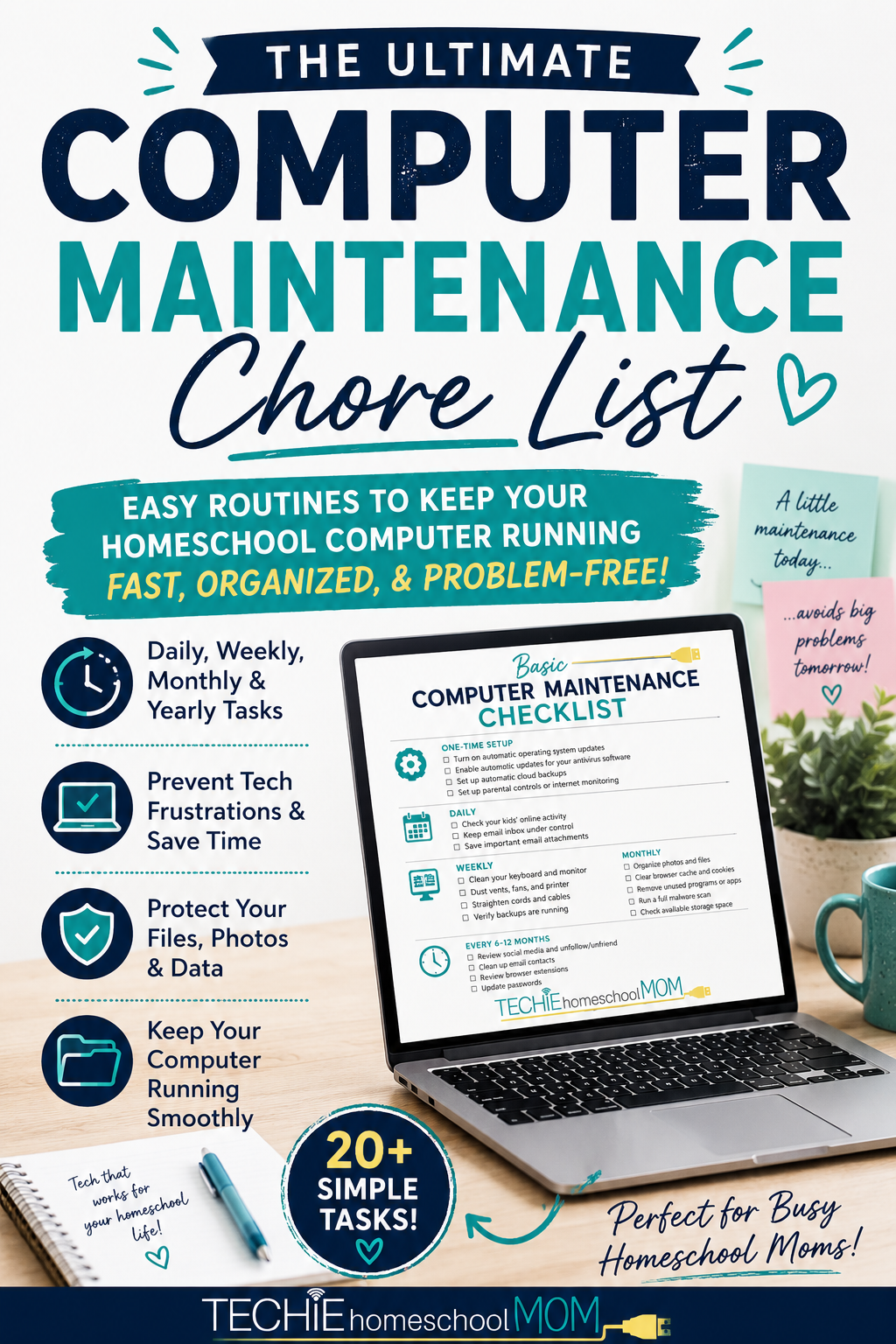
Just like regular oil changes keep your car running well, routine computer maintenance helps your computer stay fast, secure, and reliable. Spending just a few minutes each week on simple maintenance tasks can prevent slowdowns, protect important files, improve security, and extend the life of your computer.
Basic Computer Maintenance Chores
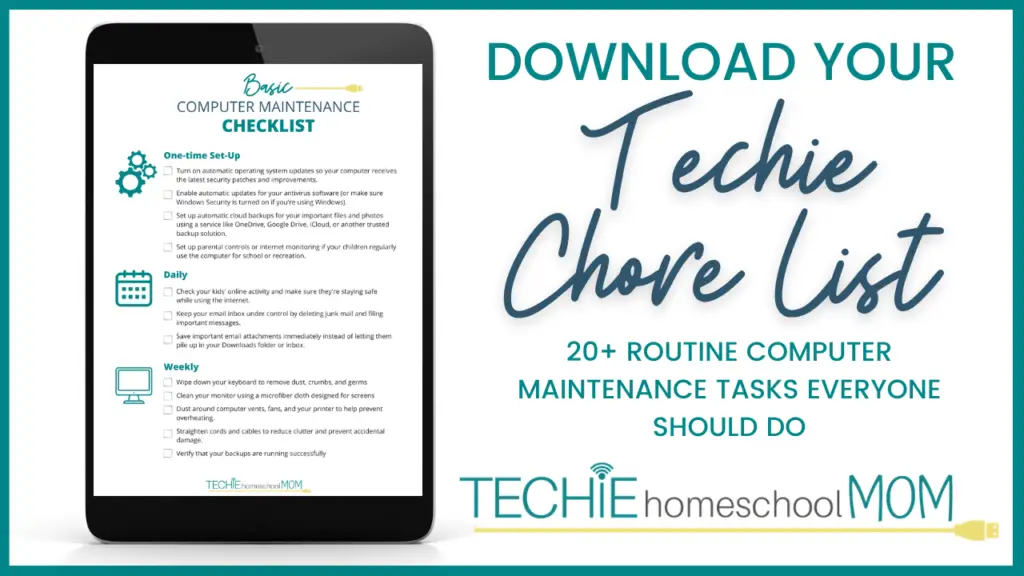
… Download a Copy of this List Below …
One Time Set-Up
Spend a few minutes setting these up once, and your computer will take care of much of the maintenance for you!
- Turn on automatic operating system updates so your computer receives the latest security patches and improvements.
- Enable automatic updates for your antivirus software (or make sure Windows Security is turned on if you're using Windows).
- Set up automatic cloud backups for your important files and photos using a service like OneDrive, Google Drive, iCloud, or another trusted backup solution.
- Set up parental controls or internet monitoring if your children regularly use the computer for school or recreation.
Daily
These only take a minute or two but can help keep things organized!
- Check your kids' online activity and make sure they're staying safe while using the internet.
- Keep your email inbox under control by deleting junk mail and filing important messages.
- Save important email attachments immediately instead of letting them pile up in your Downloads folder or inbox.
Weekly
A little attention each week helps prevent bigger problems later.
- Wipe down your keyboard to remove dust, crumbs, and germs — CLICK HERE to learn how to do it right
- Clean your monitor using a microfiber cloth designed for screens — CLICK HERE for the best method
- Dust around computer vents, fans, and your printer to help prevent overheating.
- Straighten cords and cables to reduce clutter and prevent accidental damage.
- Verify that your backups are running successfully — CLICK HERE to learn how
Monthly
These tasks help keep your computer running smoothly and your files organized.
- Transfer photos from your phone or camera if they aren't syncing automatically.
- Organize photos into folders or albums so they're easy to find later.
- Delete files you no longer need from your Downloads folder.
- Review your desktop and documents and move files into organized folders.
- Clear your browser's cache and cookies if websites seem sluggish or aren't loading correctly — CLICK HERE to learn how.
- Remove programs or apps you no longer use — CLICK HERE to learn how.
- Run a full malware scan for added peace of mind — CLICK HERE to learn more about this.
- Check your available storage space and free up room if your hard drive is getting full.
Every 6-12 Months
These tasks don't need frequent attention but are worth putting on your calendar.
- Review your social media accounts and unfollow or unfriend accounts you no longer want to see.
- Clean up your email contacts by removing outdated addresses.
- Review browser extensions and remove any you no longer use.
- Change passwords for important accounts or, even better, use a password manager to keep your accounts secure.
💡 Homeschool Mom Tip: Add one computer maintenance task to your family's monthly chore day. Just 15–20 minutes of upkeep can help prevent frustrating tech problems during your homeschool year.
If you're anything like me, your computer is the hub of your homeschool. From lesson plans and curriculum lists to grades, attendance, and transcripts, there's a lot of important information stored there. That's one of the reasons we created Homeschool Curriculum Planner—to give homeschool families an easy way to organize every aspect of their homeschool in one place. If you're looking for a simple system to plan courses, track assignments, keep records, and generate transcripts, I'd love for you to check it out!

Got any tasks to add to this list? Share in the comments!
Related Posts
- PC Maintenance Tips to Keep Your Family's Computers Working Great
- How to Protect Your Computer from Viruses and Malware
- Why I Stopped Managing My Kid's Screen Time

Want some techie homeschooling tips and inspiration delivered to your inbox? Sign up here for weekly-ish emails from me.
Techie Homeschool Mom is a participant in the Amazon Services LLC Associates Program, an affiliate advertising program designed to provide a means for sites to earn advertising fees by advertising and linking to Amazon.com. You can read my full affiliate disclosure HERE.








One Comment