
A Homeschool Mom Hack for Teaching Writing Skills
Hey, just so you know ... This post includes affiliate links. That means if you use them to make a purchase, I may earn a commission. You can read my full affiliate disclosure HERE.
Fun fact: I used to be an English teacher. Mind you, I only actually taught a classroom full of kids for 2 years, but I spent 4 years of college learning all kinds of techniques for teaching writing skills.
Another fun fact: That means nothing to my daughter. As far as she's concerned, I don't know what I'm talking about when I give her insight into her writing. Or much else in life for that matter.
And since I'm more concerned about having a healthy relationship with her than how good of a writer she is, I'm really thankful for this hack I've come up with for helping her revise papers.
… RELATED POST …
A Homeschool Mom's Must Have Webtools for Teaching Writing
You see, somehow she's more receptive to my feedback if it doesn't happen face-to-face. I think it's more of that “on her terms” mentality. This puts less strain on our relationship. #raisingteenagers
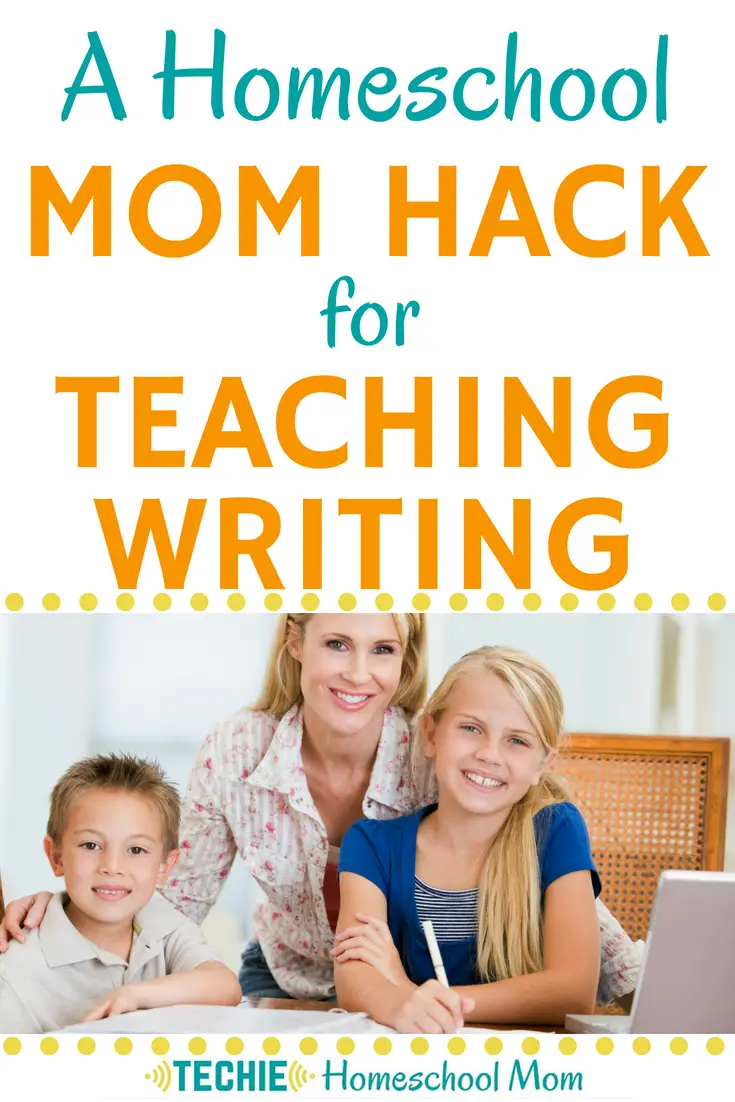
This daughter takes an IEW class through Skrafty. (Yes, I'm a former English teacher, but don't teach my kids writing. Don't judge. There are just some things that it's better to have someone else teach.)
Weekly, she attends a live online class. learns what she needs to and gets her assignment. Throughout the week, she writes her draft using Google Docs and then shares the paper with me.
Then my relationship-saving hack for revising my child's papers comes in…
I look over the paper and type comments right there on Google Docs. I highlight and comment on fragments and run-ons. I let her know if sentences are unclear or if she could use more detail. I give advice about the organization of the paper. And, I try to also comment on the good things about the paper. (Admittedly, I need to be better about this).
Sometimes, if my daughter is in the right mood, she'll sit right next to me while I do this. She'll have the assignment open on her computer, I have it open on mine and we can each see what the other is doing.

Other times, if she's in a non-receptive mood or we're on a time crunch and I'm out of the house with another sister, I just make my comments and she takes a look when I'm done.
But, she can take it or leave it. Up to her. No stress of me telling her what she has to do. (And, fortunately, she typically “takes it”.)
Then, once my daughter has revised, I have her turn on the Grammarly Chrome extension to see if there are any other issues that need attention.
Grammarly finds and fixes over 250 types of writing errors, including poor vocabulary usage. And (this is where the learning happens), it explains what the mistakes are and how to correct them. The program helps my daughter with the proofreading step of the writing process.
Did you catch that? The program helps her proofread, not me. Translated … Grammarly is telling her what she’s doing wrong, not me. And it must do that way better than me because she doesn't react the way she does when I proofread.
Lastly, I mark the paper as reviewed and my daughter shares the Google Doc with her instructor to “turn it in”. I check back in a few days and can read the comments her teacher left.
Are you tracking me on this?
Do you see how using Google Docs (with its commenting features) and Grammarly (with its proof-reading superpowers) has eliminated some tension in my relationship with my daughter?
You can start using Google Docs HERE. Both you and your child will need a Google account. I teach how to set those up in Techie Homeschool Mom's Guide to Digital Homeschool Organization, and you can access that lesson HERE.

You'll also need a Grammarly account. Get that HERE. Your whole family can share an account. Like I said, I highly recommend the paid version over the free. I've found that it's worth it. Not only for situations like explained here, but Grammarly also checks you within online apps (like social media, project creation apps, discussion groups, etc). I benefit from it all..the..time.
Must-Have Tech for Homeschooling
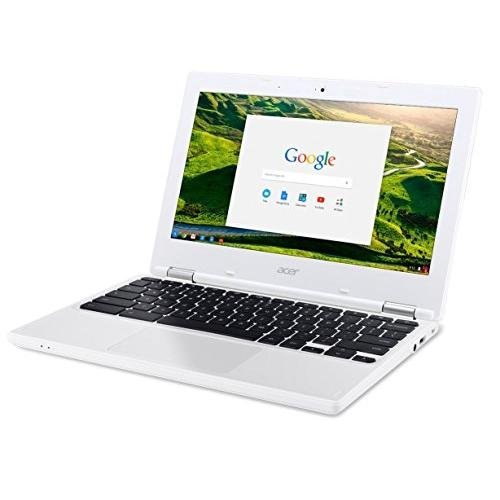
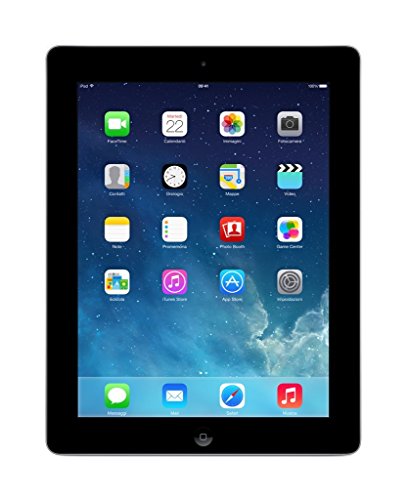
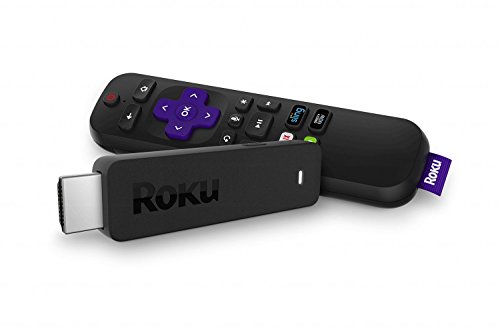
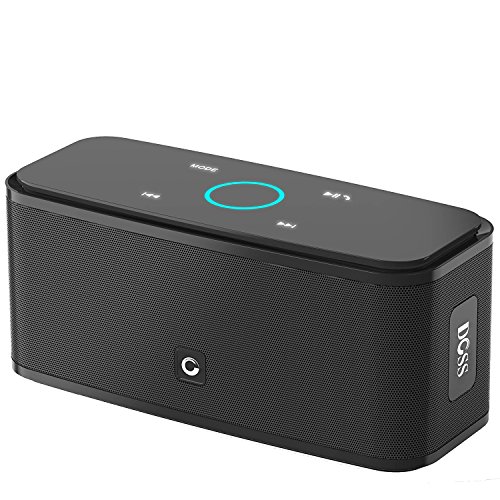
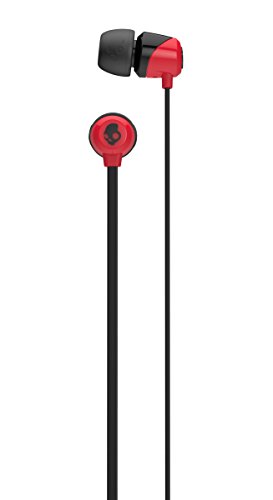
Chromebook Apple iPad 16GBRoku Streaming StickDOSS Touch Wireless Bluetooth Portable SpeakerSkullcandy In-Ear Noise-Isolating Earbuds


Tell me, do you think this hack would help you with teaching writing skills? Leave me a comment letting me know why or why not.

Related Posts
- How to Sync Devices for Homeschooling
- Mom Hacks that Will Change the Way You Use Your Smartphone
- Essential Homeschool Supplies for Learning Online

Want some techie homeschooling tips and inspiration delivered to your inbox? Sign up here for weekly-ish emails from me.
Techie Homeschool Mom is a participant in the Amazon Services LLC Associates Program, an affiliate advertising program designed to provide a means for sites to earn advertising fees by advertising and linking to Amazon.com. You can read my full affiliate disclosure HERE.
About the Author

Just a geeky homeschooling mom inspiring digital learning and healthy tech habits for families.







Great blog Beth!! I have went through some of your blogs they are really great.
I have been trying many things to improve my child’s writing skill, these web tools will surely help me to improve my child’s writing skill. Thanks for sharing your tips will really be helpful.