Using Apps to Stay Sane While You Homeschool and Work
Hey, just so you know ... This post includes affiliate links. That means if you use them to make a purchase, I may earn a commission. You can read my full affiliate disclosure HERE.
Welcome to the #TechieHomeschool IRL blog series. In this post, my guest Holly shares how tech can keep your life in order if you homeschool and work.
Holly is a full-time homeschool mom and also works outside the home full time. She has homeschooled her three kids since kindergarten, with two already graduated. You can learn more about Holly's experiences at her blog, Full-Time Homeschool Mom.

We are very busy moms who are multi-tasking and juggling many hats. Adding a job or business to the mix can make us go insane. Fortunately, we have so many different techiel options at our fingertips that we can use to help coordinate and organize our goals as homeschooling professionals. I'll be sharing how I use technology to stay sane while I homeschool and work at the same time.
Let me give you a small background … I work fulltime outside the home from 2:00 pm to 10:30 pm. I have to leave my house by 1:15 pmso we homeschool in the mornings until I leave. Technology is very important part of our lives because I work outside the house full time.

Google Calendar
I use Google Calendar to keep track of everybody’s plans. As a family, we share the calendar so everybody knows what everybody else is doing in the family. On the calendar, everything is color-coded by family member. This helps me see who is doing what at what time. This also helps my husband to know what is happening in the evenings while he is home since I am gone those times.
What goes on our Google Calendar? Co-op classes, field trips, online classes, all appts, personal plans, my work schedule and days off, and days we homeschool. This cuts down guesswork for me so I know the family will be gone that night so I will fix a light meal for everybody. Another example: Family is having company over on Thursday night. I know I need to get the house tidied up and bathrooms cleaned before that day comes. This keeps me sane knowing what is going on for the week on Sunday night. The bonus is that my family knows what is happening with everybody each day. This is a must-have tool for all homeschool families that have both parents working a job.
Google Drive
I love Google Drive. It is an amazing tool to have because it's at our fingertips. I can put all of my digital files such as e-books, PDFs and any docs that are used for homeschool in the Google Drive. The kids have access to any files in my google drive as long as I shared the file with them. Each of them has a google account so this is very easy to use.
I took Beth Napoli’s course called Techie Homeschool Mom's Guide to Digitial Homeschool Organization. This course was a game changer for me and I encourage you to take this course when its open again. The course changed the way I used Google Drive. I had all of my school files on my laptop. After the course, I copied all of my files and moved them to Google Drive so they can access the files a lot easier. All busy homeschool moms should take this course. It will change your life for the better.
Google Drive cut my frustrations in half. It truly helped me stay sane because my kids now have access to my files on Google instead of using my laptop. I was nervous about my kids getting into my laptop (talk about added stress hoping they do not delete a file on my laptop). Now I don't stress about it because they have access to all of my files through Google Drive. I highly recommend you give Google Drive a try. Its definitely a tool a busy mom should have on her phone and laptops.
Trello
Trello is an awesome tool that I love to use. It's is an online checklist system that is set up like a pin board. I put my kid's school to do list on the Trello board. The kids do have to have an account with Trello in order for me to share the board with them. I am going to show you my daughter’s master homeschool board here.

Here is why Trello keeps me sane. I have access to it on my phone so I can access it anytime while I'm at work. I can keep track of my daughter's progress. The next day before the kids get up, I check my Trello boards to see how they did the day before and to see if they left me any notes. The next picture is my daughter’s board that I copied from the master board above. Here is an example of what she did.

The next picture shows a detail of what is inside on a card. I opened Illuminating Literature card to show you how she can leave me comments and alert me if she needs help.

Now you know why I love Trello. It keeps me sane no matter where I am. I will know what my daughter did and needs help with. I have Trello on my phone so I always have it with me. A huge plus of Trello is that it's free. There is an upgrade option, but the free version is enough for me for now.
One Note
OneNote is another free online program. As long as you have Microsoft apps on your computer, you should have OneNote for free. It's similar to the popular app, Evernote. Both are great programs. I just prefer OneNote because the learning curve is easier for me. I'm not using OneNote this year but I did in previous years before I found Trello. With that, I still highly recommend it as an option to organize your homeschool.
OneNote is like having a big binder for each of your kids. One binder per child and as many tabs as you need for each binder. OneNote can be on all devices including your phone. That was a huge plus for me. Your kids do have to have a Microsoft account of their own.
I had OneNote app on my phone so I was always able to check the kids' work. I could upload their worksheets onto OneNote, they could type it on there and then save it to OneNote. I then checked it on my breaks and then left them a note. I will share with you a few pictures of my child's OneNote.
Below is my son’s OneNote. See the divider tabs at the top. Each divider tab has pages inside them. Both Noah and I have access to this notebook through our Microsoft accounts. In my son's notebook, I authorized his notebook to be shared between us. I have access to everything he writes.

The next picture I want to share with you is his science tab to show you an example of a worksheet I uploaded and his input onto the worksheet. If you noticed the pages on the right…..all those pages are in this Science tab. It is very easy to upload worksheets into the dividers you choose. You can also create worksheets in a Word document and then upload it into the notebook into whatever divider tab you want to put it in.

Being a working homeschool mom is difficult. Hopefully, these suggested apps will help you enjoy homeschooling and working as well keep you sane. I encourage you to give these tips a try.


Tell me – how have you used tech to keep your life in order when you homeschool and work?
Must-Have Tech for Homeschooling
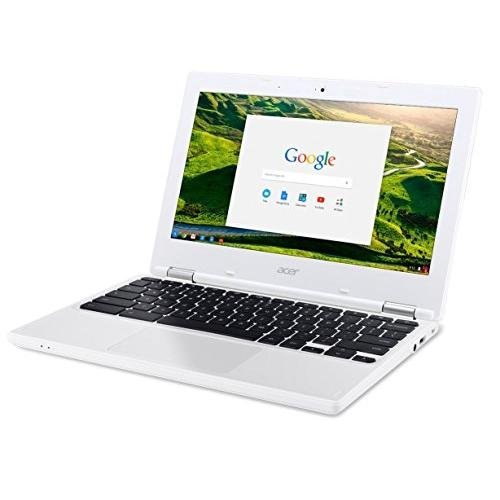
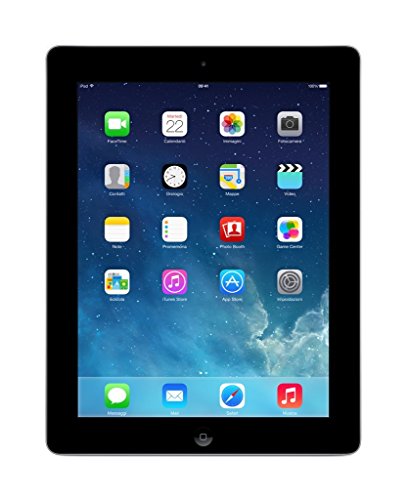
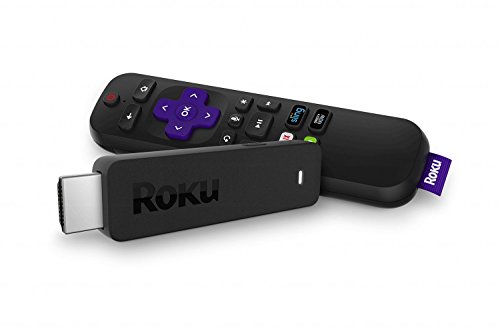
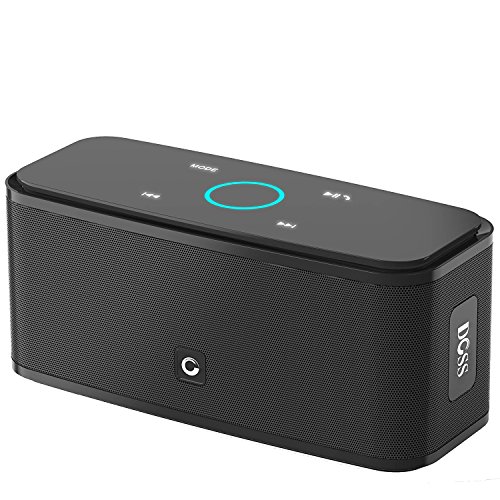
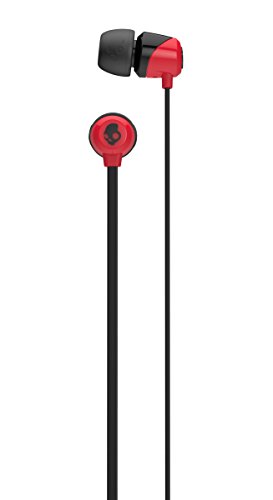
Chromebook Apple iPad 16GBRoku Streaming StickDOSS Touch Wireless Bluetooth Portable SpeakerSkullcandy In-Ear Noise-Isolating Earbuds
Related Posts
- Techie Homeschool Organization: Managing Digital Files
- Top Techie Tips from a Busy Working Homeschool Mom

Want some techie homeschooling tips and inspiration delivered to your inbox? Sign up here for weekly-ish emails from me.
Techie Homeschool Mom is a participant in the Amazon Services LLC Associates Program, an affiliate advertising program designed to provide a means for sites to earn advertising fees by advertising and linking to Amazon.com. You can read my full affiliate disclosure HERE.


About the Author

Just a geeky homeschooling mom inspiring digital learning and healthy tech habits for families.