From Paper to Digital Homeschool Plans: One Mom’s Transformation
Hey, just so you know ... This post includes affiliate links. That means if you use them to make a purchase, I may earn a commission. You can read my full affiliate disclosure HERE.
In this post, my guest Jenny shares how she stopped lesson planning on paper and learned to incorporate more apps for her homeschool plans.
Jenny is a Christ-following, Wounded Warrior wife, Mama of 4 amazing kids, and a super blessed Grandma. Happily homeschooling for 13 years. She is the author of Faith and Good Works, where she writes mostly about homeschooling & her family life. When she isn’t chasing after her two youngest sons, she enjoys photography, crocheting, and genealogy. You can find Jenny on Facebook, Twitter, G+, and Pinterest.

When we first began homeschooling 13 years ago, we had a “school room” with lots of space. I was able to keep all of our books, materials, papers, and whatever else we needed for our lessons organized and clutter-free. I even had a file cabinet for keeping the mass-quantities of papers organized. Having everything in one room made homeschool planning simple and less time-consuming. We didn’t use very many online resources for our homeschool, rather we used textbooks and workbooks so I used a paper planner for organizing our homeschool plans. It was easy to just write in the textbook and workbook page numbers in the planner.
But like everything else in life, our homeschool planning and style have changed over the years. In the last 6 or 7 years, we have become more and more digital in our homeschooling. We use several different online curriculum options and I love to scour the internet for free printable resources to supplement our curriculum. We do not have a specific homeschool room in our current home, so using digital resources help with controlling clutter and the lack of storage space for materials.
… RELATED POST …
Techie Homeschool Organization: Keeping Track of Digital Files
These online resources and apps help me to control paper clutter and keep internet resources organized for when I create our homeschool plans.
Evernote for Homeschool Planning
For lesson planning, I have used several different online homeschool planners, each one with its pros and cons. Most of the online homeschool planners are not customizable enough for our homeschool though and they could be a little time-consuming setting them up. Then a few years ago, I discovered Evernote. There is a free version and a paid version. I used the free version when I was only using Evernote for homeschooling, I switched to the paid version recently when I started using Evernote for business planning as well.

Evernote is completely customizable to my homeschool planning needs. I can create one lesson plan template to copy over and over again into a new note. Each lesson plan note can have little boxes to check off after each lesson has been completed. I can add color, change the font, add tables, pictures, and more to each lesson plan page. Since you can also upload PDF files, pictures, and even audio files to Evernote; you can create your student's homeschool portfolio almost effortlessly. All of your lesson plans and homeschool notes can be shared via email with anyone, making the end of the year evaluations a simple task. You can access Evernote from any of your devices and computers because it can be installed on both iOS and Android devices.
Evernote is by far, my favorite homeschool planning resource.

Toby for Researching
If you are anything like me, when you are in the middle of researching curriculum or lesson planning, your browser is open to about four-dozen different tabs and you have probably bookmarked two-dozen more websites for reference. Then there are so many tabs and bookmarks that you lose track of what you were doing in the first place. My bookmark bar was so cluttered with tabs and links, I was forgetting what I had already saved and I would have to search through all of the bookmarks to find what I needed. Then I discovered Toby!
Not only does Toby keep your “bookmarks” organized better, it is also great for time-management since there is no searching through long lists of saved sites in the bookmarks bar. You can set up different collections in Toby, I have a collection for each of my boys and one for websites that we use in our Morning Time together. When it's time for one of my boys to be on the computer to do his school work, he can just open up Toby and click on the appropriate website tab that is listed under his name.
PDF Annotation Apps for Notebooking
We have always enjoyed using Notebooking pages to supplement our homeschool curriculum, however, the paper clutter can be a little overwhelming in a homeschool with limited space. Digital Notebooking Pages is the way to go!
You can use PDF annotation notetaking apps like Notability, Good Notes, and Notes Writer on your iPad (you can use a PDF annotation app, like Xodo, on an Android device too) to create Notebooking pages. Install the app, download your notebooking page PDF, fill it in, and then save it to your cloud storage. If you need a physical copy, just print it out. You can also use these apps for other printable resources like worksheets and coloring pages.
Here is a super simple digital notebooking page that my youngest son did at the age of 7, all I did was upload the notebooking page to the Notes Writer app on his iPad and he did the rest. The notebooking page is then saved in the app so that I can add it to his portfolio at the end of the year.


Tell me – do you have a favorite online resource or app that you use in your homeschool plans?

Must-Have Tech for Homeschooling
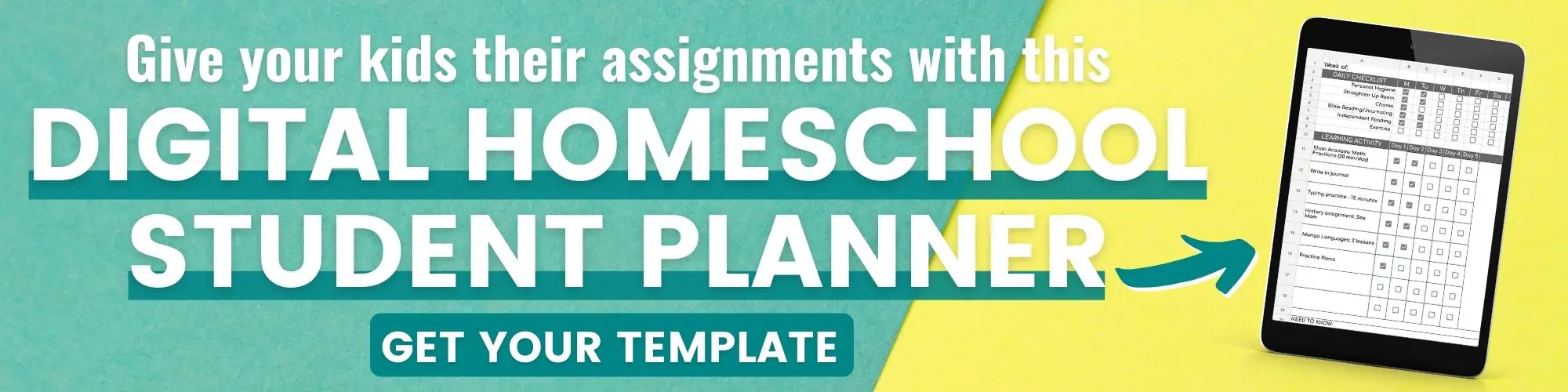
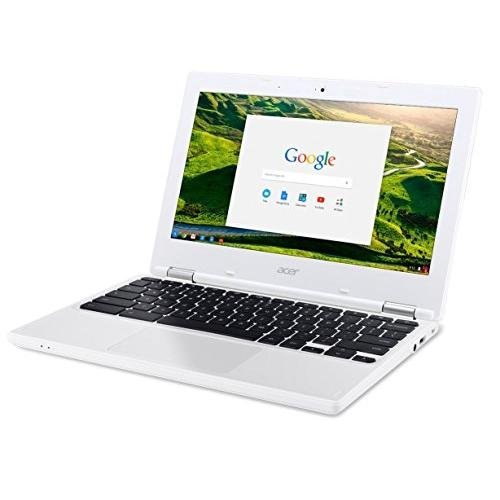
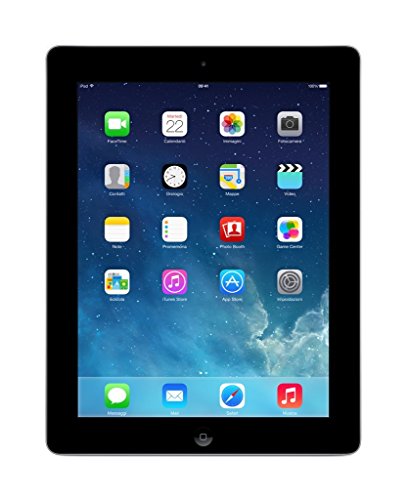
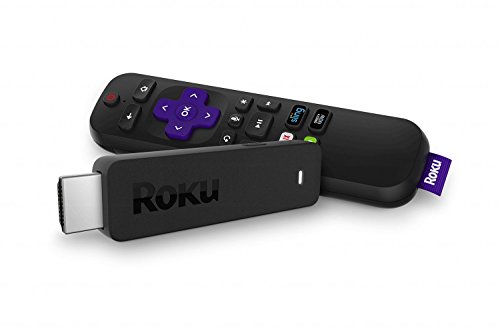
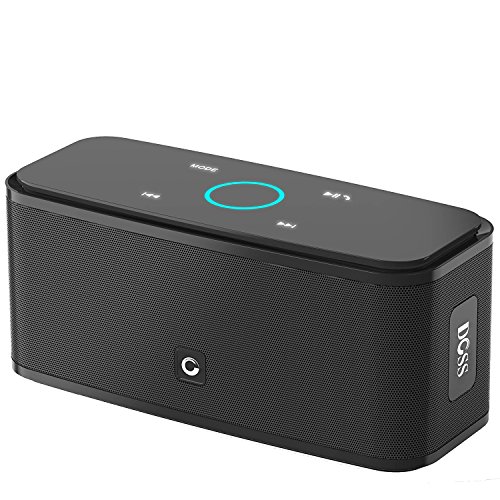
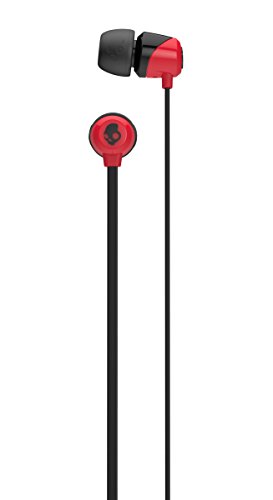
Chromebook Apple iPad 16GBRoku Streaming StickDOSS Touch Wireless Bluetooth Portable SpeakerSkullcandy In-Ear Noise-Isolating Earbuds
Related Posts
- The Ultimate List of Online Courses for Homeschooling
- How Our Digital Homeschool Evolved
- Homeschool Planet: Techie Option for Homeschool Planning

Want some techie homeschooling tips and inspiration delivered to your inbox? Sign up here for weekly-ish emails from me.
Techie Homeschool Mom is a participant in the Amazon Services LLC Associates Program, an affiliate advertising program designed to provide a means for sites to earn advertising fees by advertising and linking to Amazon.com. You can read my full affiliate disclosure HERE.
About the Author

Just a geeky homeschooling mom inspiring digital learning and healthy tech habits for families.