Create Homeschool Video Projects with mysimpleshow
Hey, just so you know … This post includes affiliate links. That means if you use them to make a purchase, I may earn a commission. You can read my full affiliate disclosure HERE.
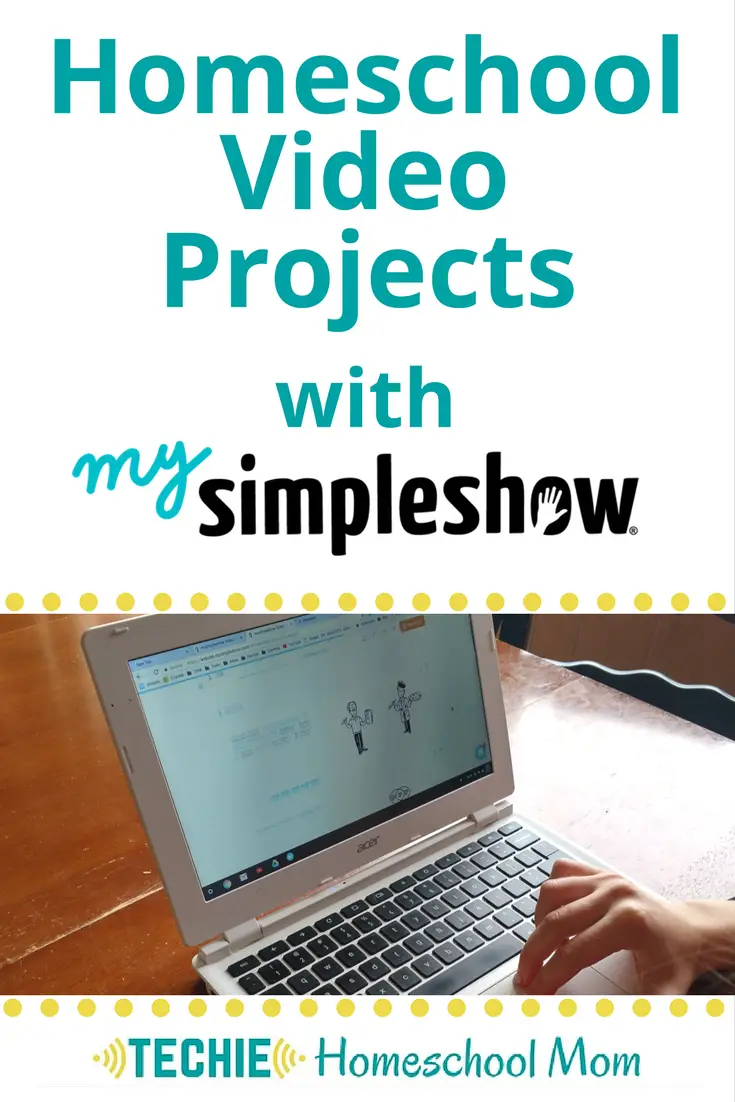
In this post I'm going to share how you can Create Homeschool Video Projects with mysimpleshow. As a “techie” homeschool mom, I love when I come across webtools that can be used in our homeschool. It’s part of my personal mission to inspire you to add more tech to your home education.
** This is a sponsored post. I received this product or compensation for review purposes only and was compensated for my time. I was neither asked nor required to share a positive review; all opinions are my own. READ HERE for more information.
Let's face it…. with all the online learning opportunities available, our kids learn way different than we did at their age. They are both “consumer” and “creator”. Digital natives want to do something with the information they take in, whether it be creating a playlist, editing a photo or producing a video. They put their knowledge into action and share their creations with the world.
I recently discovered mysimpleshow, a webtool that your kids can use to put their knowledge into action.
Benefits of Using Video Projects in Your Homeschool
Before we dive into a program I highly recommend using, let's first talk about the benefits of incorporating this into your homeschool lesson plans.
Encourages Project-Based Learning
Video projects are an excellent example of project-based learning, where students actively explore real-world problems and challenges. By conceptualizing, planning, and executing video projects, students dive deep into subjects like language arts, social studies, science experiments, and more.
This hands-on approach not only reinforces subject matter but also cultivates critical thinking and problem-solving skills.
Enhances Communication Skills
In today's digital age, effective communication is crucial. Video projects provide a platform for students to articulate their thoughts, ideas, and findings clearly and persuasively.
Whether it's creating instructional videos, historical reenactments, or explainer videos, students learn to communicate information in a compelling manner, while fashioning their communication skills in the process.
Sparks Creativity and Innovation
Video production offers endless possibilities for creativity and innovation. From crafting short videos with special effects to experimenting with green screens and whiteboard animations, students have the freedom to unleash their imagination and bring their ideas to life.
This creative process fosters a sense of ownership and pride in their work, making learning a truly enjoyable and fulfilling experience.
Catering to Different Learning Styles
Every student is unique, with their own learning preferences and strengths. Video projects provide a versatile learning medium that accommodates various learning styles.
Visual learners thrive on watching and creating videos, while auditory learners benefit from narrating scripts or recording voiceovers. By incorporating video projects into the curriculum, homeschool parents can cater to the individual needs of their students, ensuring a personalized and effective learning journey.
Mysimpleshow: Your Gateway to Seamless Video Production
mysimpleshow is a tool that enables anyone to create explainer videos. You know, those short videos where images pop up while a voice explains something. For homeschool parents and high school students venturing into the realm of video production, mysimpleshow is a great tool to use.
With its user-friendly interface and intuitive features, mysimpleshow simplifies the video creation process, allowing users to create professional-looking videos with ease. From crafting explainer videos to showcasing language arts projects, mysimpleshow empowers users to unleash their creativity and express their ideas with clarity and impact.
How to Create a MYSIMPLESHOW
With this tool, your children can research a topic and create a script with the facts they learned. They type their script into mysimpleshow. Then the program identifies key words, finds images to go with the words and produces a video.
Next they edit the images. Students can adjust the keywords that they want an image for, then change out the image with the ones the apps suggests. They can even upload their own photos. Adjusting the size and placement of the images helps to personalize the video.
Lastly, your homeschoolers select a voiceover style or record their own voice reading the script.
Creating explainer videos is a great way to practices writing skills. Students need to use transition phrases and only include the most relevant information to satisfy with the video's character limits. Students also develop the skill of matching text and context with available images to get their message across.
Here's a simpleshow about Dr. Seuss….
Ways to use video projects for homeschooling
You can create a mysimpleshow for any topic you are studying. Consider these ideas….
- “How-to” video: Write a script with the steps of a process. Choose approriate images or take and upload your own pictures taking during the different steps of a process. Then make an
- Nature journal: As you observe nature, take pictures. Upload them and record facts about your discoveries and observations.
- Biography study: Research and record facts about someone notable.
- Book report: Describe the plot of a story.
- Field trip scrapbook: Share pictures from the trip and narrate to explain your adventure.
- Poetry: Craft the perfect combination of words and add images that support your message
Really, the possibilities are endless. Visit mysimpleshow and give it a try!

What ways could you see your family using mysimpleshow for homeschooling?

Related Posts
- 15 Visual Design Projects Homeschoolers Can Create With Canva
- Online Timeline Maker for Students {Best Tools to Use}
- Techie Homeschool Project: Illustrated Quote Graphic

Want some techie homeschooling tips and inspiration delivered to your inbox? Sign up here for weekly-ish emails from me.
Techie Homeschool Mom is a participant in the Amazon Services LLC Associates Program, an affiliate advertising program designed to provide a means for sites to earn advertising fees by advertising and linking to Amazon.com. You can read my full affiliate disclosure HERE.