
Stop Printing Digital Curriculum! Do These Things Instead.
Hey, just so you know ... This post includes affiliate links. That means if you use them to make a purchase, I may earn a commission. You can read my full affiliate disclosure HERE.
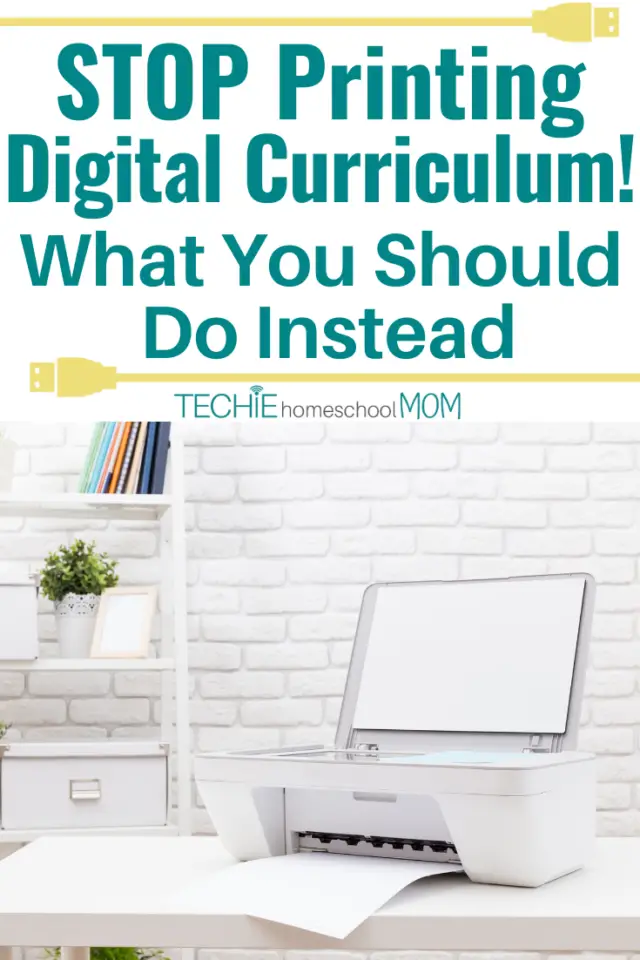
My printer hates me (which is a BIG reason I stopped printing digital curriculum)
Whenever I ask it to do the one thing it was made to do, it just stares at me with a blinking light. As if it's saying, “What? You ignore me for weeks, then expect me to just be available at your beck and call? Well, I'm going to make you work for it.”
Then, I need to go through the whole routine of making sure we're on the same network, it's got enough ink, nothing it jamming the thing, checking the queue, turning it off … and round and round we go with our little hate affair.
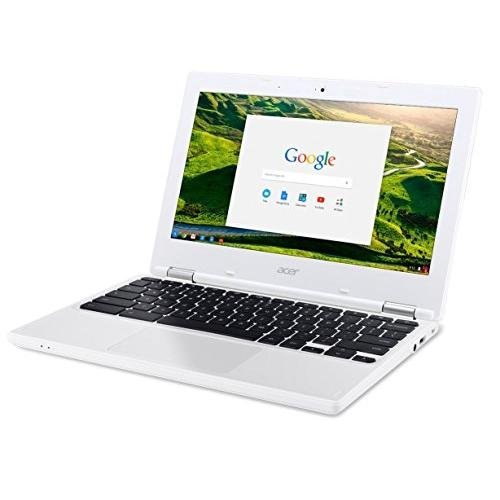
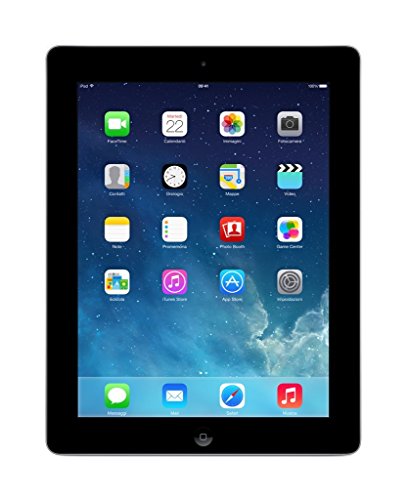
I wish we could just break up, but there are times – minimal times few and far between – when I need it. This is one reason that I love digital curriculum. I can just rely on my loyal laptop and iPad (without dealing with that printer sass)
… RELATED POST …
5 Benefits of a Paperless Homeschool
I recognize that many homeschoolers feel they need to print all their digital curriculum, and I'm here to encourage you to just
STOP!!!!!
Stop printing all that digital homeschool curriculum you've got.
Stop collating it and loading into binders with all those dividers.

Stop cluttering your dining room table with all printed pages.
Free yourself from printer bondage!
Embrace digital curriculum for what it is – an alternative to print curriculum, not just another reason to print curriculum.
But, “How?” you ask. “How do I get those words and pictures off my computer and into the hands of my kids? How do I even know what I have and assign it to my kids? How do I totally change my mindset to embrace digital curriculum?”
Well, let me help you out with these techie tips…
Organize all those ebooks so that you can find them.
You can set up a cloud-based file system that makes it just as easy to find as in all those binders cluttering your bookshelf. I teach you how in my Guide to Digital Homeschool Organization
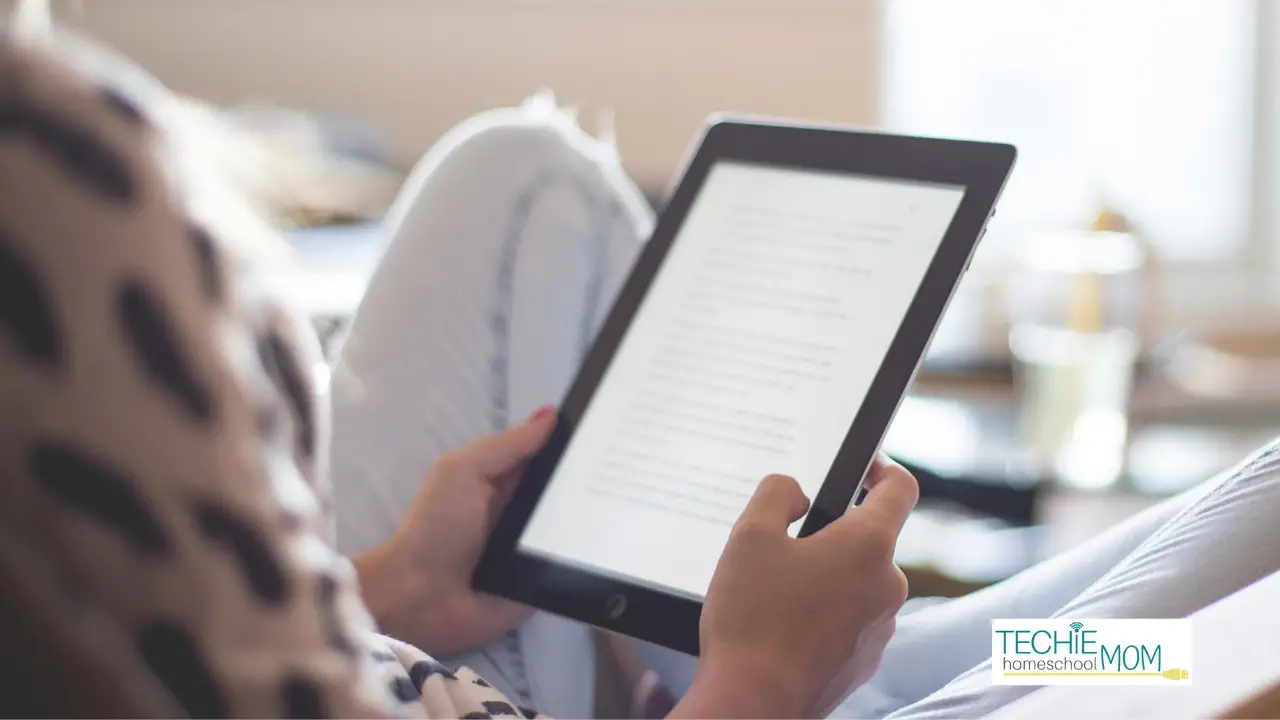
Just read the text from your computer or tablet.
You can even add it to your Kindle library so that you can read from any device. Want your kids to follow along? Have them login from another device or cast the ebook onto your TV.
Only print what you need.
Can some of the activities be done orally? You know, when you get to look your kids in the eye and actually ask them the questions and start a discussion about it. (A big advantage of homeschooling over a classroom setting). Or can your child write their answers on another sheet of paper (the back of all those pages your rogue printer misprinted). We've always used personal whiteboards so we could avoid the paper consumption all together.
Use an annotator app and “write” directly onto the file.
There are lots of different apps that let you do this. My family uses a Chrome extension called Kami when using our computers or Adobe Reader on the iPad.
Assign techie alternatives to the assignments
Yes, you have the freedom to deviate from the curriculum. Instead of notebook pages and lapbooks, create Google Slide presentations or animated videos with Powtoons. I have a bunch of tutorials in my Guide to Digital Homeschool Projects.
Use more online courses instead of ebooks.
Take a load off of yourself and get your kids set-up with online courses. Honestly, they'll appreciate video-based lessons better than print anyhow. Visit the Online Homeschool Curriculum Directory to find courses that will fit the needs of your family.
Now that you've got these tips, you don't have any more excuses. It's time to sever that co-dependent relationship with your printer and use more and use more digital homeschool.


Must-Have Tech for Homeschooling
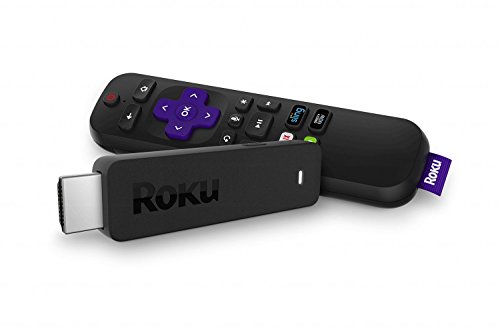
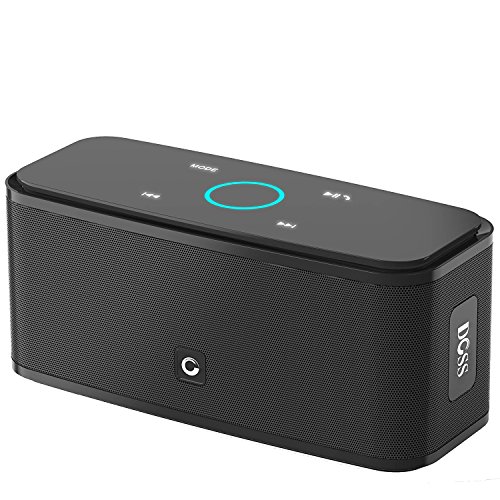
Chromebook Apple iPad 16GBRoku Streaming StickDOSS Touch Wireless Bluetooth Portable SpeakerSkullcandy In-Ear Noise-Isolating Earbuds

RELATED POSTS:
- Four Crucial Reasons You Should Be Homeschooling Online
- Are You Homeschooling For The 21st Century?
- Essential Homeschool Supplies for Learning Online

Want some techie homeschooling tips and inspiration delivered to your inbox? Sign up here for weekly-ish emails from me.
Techie Homeschool Mom is a participant in the Amazon Services LLC Associates Program, an affiliate advertising program designed to provide a means for sites to earn advertising fees by advertising and linking to Amazon.com. You can read my full affiliate disclosure HERE.

About the Author

Just a geeky homeschooling mom inspiring digital learning and healthy tech habits for families.






Quick question. I found an amazing curriculum that my son loves. It’s a LOT of printing because she has everything there including the worksheets. You mentioned getting an extension that would allow us to write directly on the worksheet without printing it. Can this be done on android? Would we need to download adobe for that? I would love to be able to use just his android tablet and stylus for all the worksheets. It would make things so much easier. Thanks for the help!
Yes, you could need an annotator app. Adobe Acrobat Reader is a good option.